
Add a What-if Scenario
Add a set of assumptions to your chart or analysis.
Access requirements
Users with this permission capability:
-
Change Analysis Context
Reach out to your administrator for access.
-
On the Analysis Context toolbar, click the Add an assumption button
 .
. - In the Add an Assumption dialog, select the What-if model.
- Click Scenarios and select the scenario you want to add.
Note:
- Scenarios cannot be added if they have assumptions that conflict with any existing assumptions.
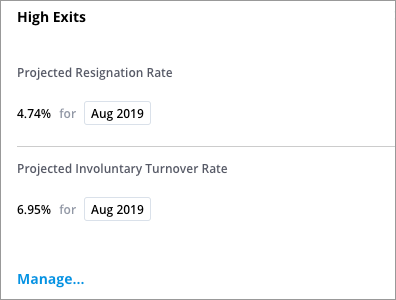
To view the set of assumptions that make up a scenario, click the scenario in the Analysis Context toolbar.
To remove a scenario, hover over the scenario in the Analysis Context toolbar and click the Remove button
 .
.